


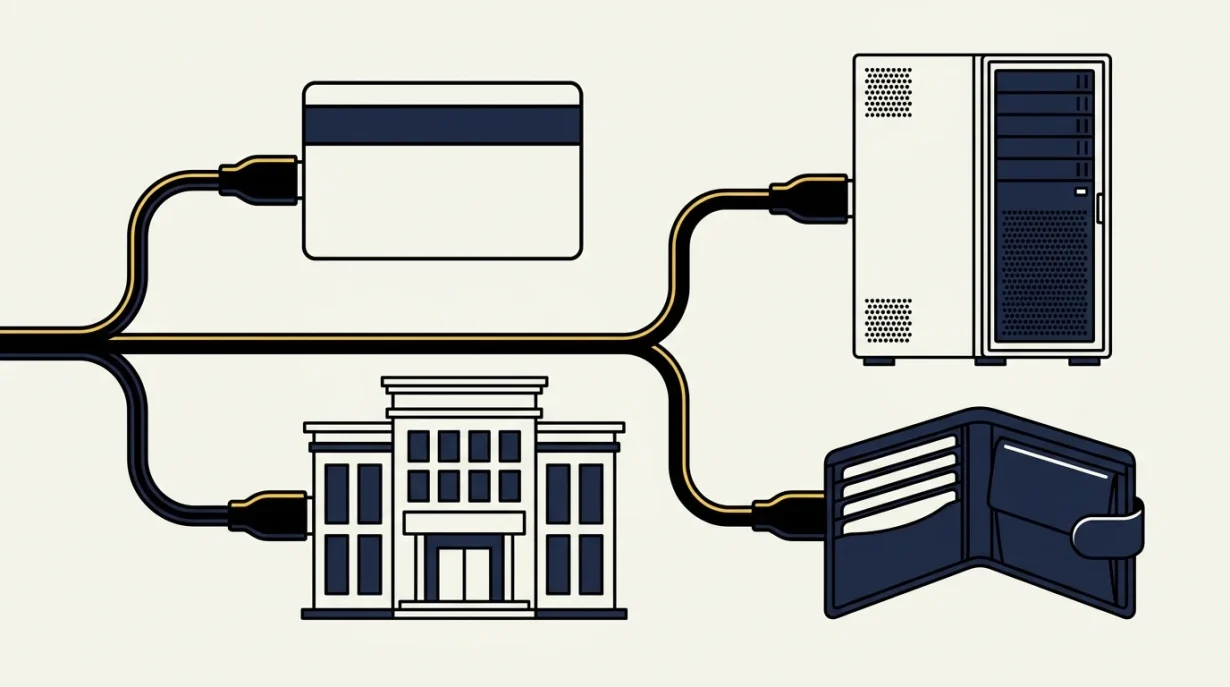

Crypto Ramp and Exchange API Selector
Use this lightweight checklist to frame your next research step. It does not connect accounts, recommend a provider, calculate costs, or verify eligibility.
Important: Do not put secret keys, seed phrases, private keys, or customer data into this tool.
Disclosure: Token Metrics may earn compensation when readers use certain partner links. Compensation does not determine editorial coverage. This is general educational information, not investment, legal, tax, custody, compliance, or engineering advice.
Sources checked
Prepared by the Token Metrics Editorial Team using the official sources listed below. Product terms, eligibility, limits, fees, and protocol rules can change; confirm current details before acting.
How to use: Pick the job that comes first: a fiat purchase flow, public market data, or authenticated trading. Choose the controls your team can support. Run the selector and use the visible output as a test plan, not a vendor endorsement.
How to read the output
An onramp result points to coverage, identity, payment, quote, destination, and support checks. A market-data result points to symbols, timestamps, limits, stale data, and reconnects. A trading result points to key rights, order state, retries, reconciliation, and a kill switch. If the result names a provider type, it still does not prove current access.
Method
The selector uses workflow fit and control readiness. It does not use vendor scores, uptime claims, response-time claims, or token rankings. That keeps the result honest when products and regions change. The output should narrow research and create acceptance tests.
Worked example
A wallet team needs card purchases but has no plan for failed identity checks or delayed orders. The selector may show an onramp path, but it should also flag support and state handling. The correct next step is not a launch. It is to assign ownership, test failures, and confirm the route in current docs.
Limits, privacy, and safety
The selector does not need API secrets, account keys, payment data, wallet addresses, or personal data. Never paste a secret into this tool. The result cannot assess a private contract or live account. A provider can change access after review. Confirm docs, run low-risk tests, and get legal and security review when the business handles money or user data.
Next steps
- Open the method and official docs.
- Write endpoint and user-flow acceptance tests.
- Limit keys and data.
- Test failure, retry, support, and exit.
- Launch only after the shown controls pass.
Frequently asked questions
Does the selector choose the best API?
No. It identifies a workflow and the checks needed for fit.
Does it send my answers to a provider?
The utility does not ask for secrets or account data. Review the site privacy policy for general page analytics.
Can I paste an API key?
No. Never put a key or secret into the selector.
Why is there no score?
The evidence supports a test plan, not one stable vendor score across jobs and regions.
Use the result in a real decision
Scenario: a consumer wallet adds card purchases
Treat an onramp result as a prompt to map the entire user journey. Confirm the provider accepts the target region, asset, network, payment rail, and destination model. Then test an eligible purchase and at least two failures, such as an identity rejection and a delayed order. Verify what the user sees before approval, who answers a stuck-order question, how refunds or cancellations work, and whether status updates reconcile with the wallet. Do not launch merely because the happy path completes.
Scenario: a dashboard needs market data
Choose read-only access when the product only displays prices or trades. Verify symbol conventions, timestamps, pagination, documented limits, and the handling of stale or missing data. Disconnect the stream, restore it, and confirm that reconnect logic does not create gaps or duplicates. Compare a small sample with another authoritative market view, but do not assume two feeds must match at every instant. Record the tolerance and the reason for it.
Scenario: an internal service submits orders
A trading result requires stronger controls than a data result. Create a key with only the necessary rights, restrict its environment where the provider supports that control, and keep withdrawal rights off. Test order validation, rejection, partial fills, duplicate requests, timeouts, cancellation, and reconciliation against the provider’s order state. Confirm that a named operator can disable the integration and revoke the key without waiting for a deployment.
Verification before committing to a provider
- Open the current official documentation from the Sources section and confirm that the route, endpoint, and region still apply.
- Translate every selector warning into a pass-or-fail acceptance test with an owner and retained evidence.
- Run the smallest reversible test using non-sensitive sample data or a low-risk amount; never paste credentials into this page.
- Repeat one expected failure and confirm the user message, logs, retry rule, support path, and recovery state.
- Have product, engineering, security, support, and legal or compliance owners review only the parts they are accountable for. Record unresolved items as blockers rather than assumptions.
Sources
These primary and public-interest sources were checked on July 13, 2026. Product terms can change, so confirm the current page before you build or move assets.
- Coinbase Onramp docs
- Coinbase Advanced Trade docs
- Kraken API docs
- Stripe Crypto Onramp docs
- OWASP API Security Top 10
Continue: ramp provider guide · exchange API comparison · methodology · workflow selector
Practical review notes
Team review after the result
Turn each output line into a test. Give each test an owner and a due date. A product lead can own the user flow. An engineer can own errors and state. A security lead can own keys and logs. Support can own stuck work. The selector is useful only when the team closes those gaps.
When to run it again
Run the selector when the user job, provider, region, payment rail, account right, or support model changes. Run it after a major API change. Save the old test plan so the team can see what changed. Do not reuse an old result for a new product.