



TMAI migration claims are now open. If your Base wallet is eligible, you can claim Solana TMAI through the official migration portal.
Claims opened on Tuesday, May 5, 2026 at 10:00 AM Austin time. The claim window closes on Monday, August 3, 2026 at 10:00 AM Austin time.
Exchange users: this claim flow does not include exchange-held TMAI.
Do not move TMAI from an exchange just to use this claim portal. The portal checks Base wallets only. It cannot read exchange accounts. We will publish separate exchange-held migration instructions as a follow-up.
Fast Read
- Claim portal: tokenmetrics.com/migration
- Exchange-held TMAI: not included in this claim flow. A separate exchange-held migration path will follow.
- Solana TMAI mint:
JBH3sZw1MFHunc4ifgLFkUKGecDpB1FwSXkEo8PnCD4Z - Meteora pool: TMAI-USDC on Meteora
- Swap route: Buy or sell through Jupiter
- Advanced chart: GMGN TMAI chart
What You Need Before You Start
- The Base wallet that held eligible TMAI at the snapshot.
- A Solana wallet where you want to receive your Solana TMAI.
- A small amount of SOL in the Solana wallet for network fees.
Important: Token Metrics will never ask for your seed phrase or private key. Only use the official links in this post.
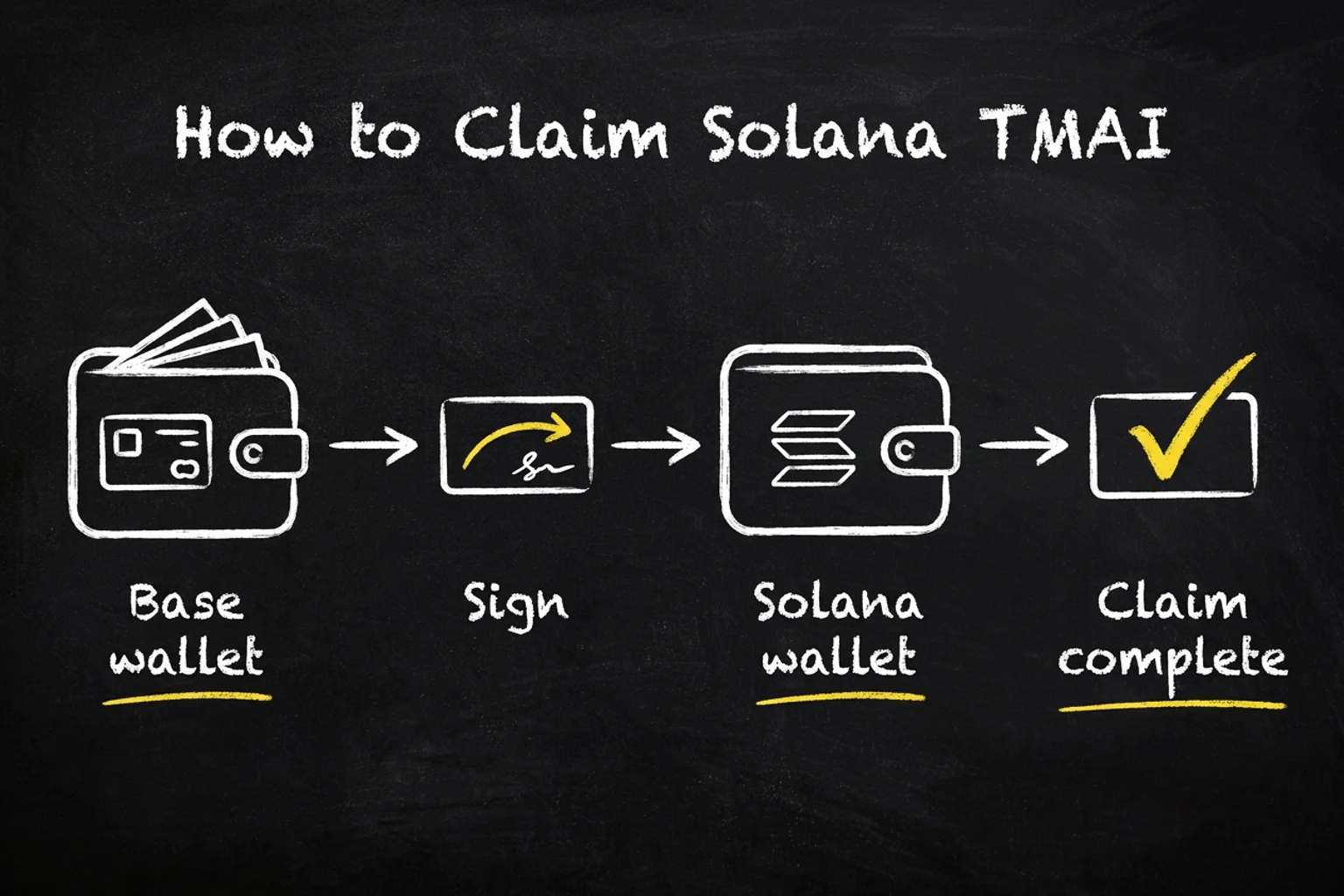
How to Claim Solana TMAI
- Open the official migration portal: tokenmetrics.com/migration.
- Enter the Base wallet that held TMAI at the snapshot.
- If the wallet is eligible, connect that same Base wallet.
- Connect the Solana wallet where you want to receive TMAI.
- Sign the Base message. This proves you control the eligible Base wallet.
- Approve the Solana claim transaction.
- When the portal shows “Claim completed,” your claim is finalized on-chain.
If Phantom Does Not Show TMAI Right Away
The claim can be complete on-chain before Phantom refreshes the token display.
- Open Phantom.
- Switch to the Solana account you used as the claim destination.
- Open the token list or Manage Tokens.
- Search for TMAI, or paste this mint address:
JBH3sZw1MFHunc4ifgLFkUKGecDpB1FwSXkEo8PnCD4Z. - Turn the token on.
Trading and Liquidity Links
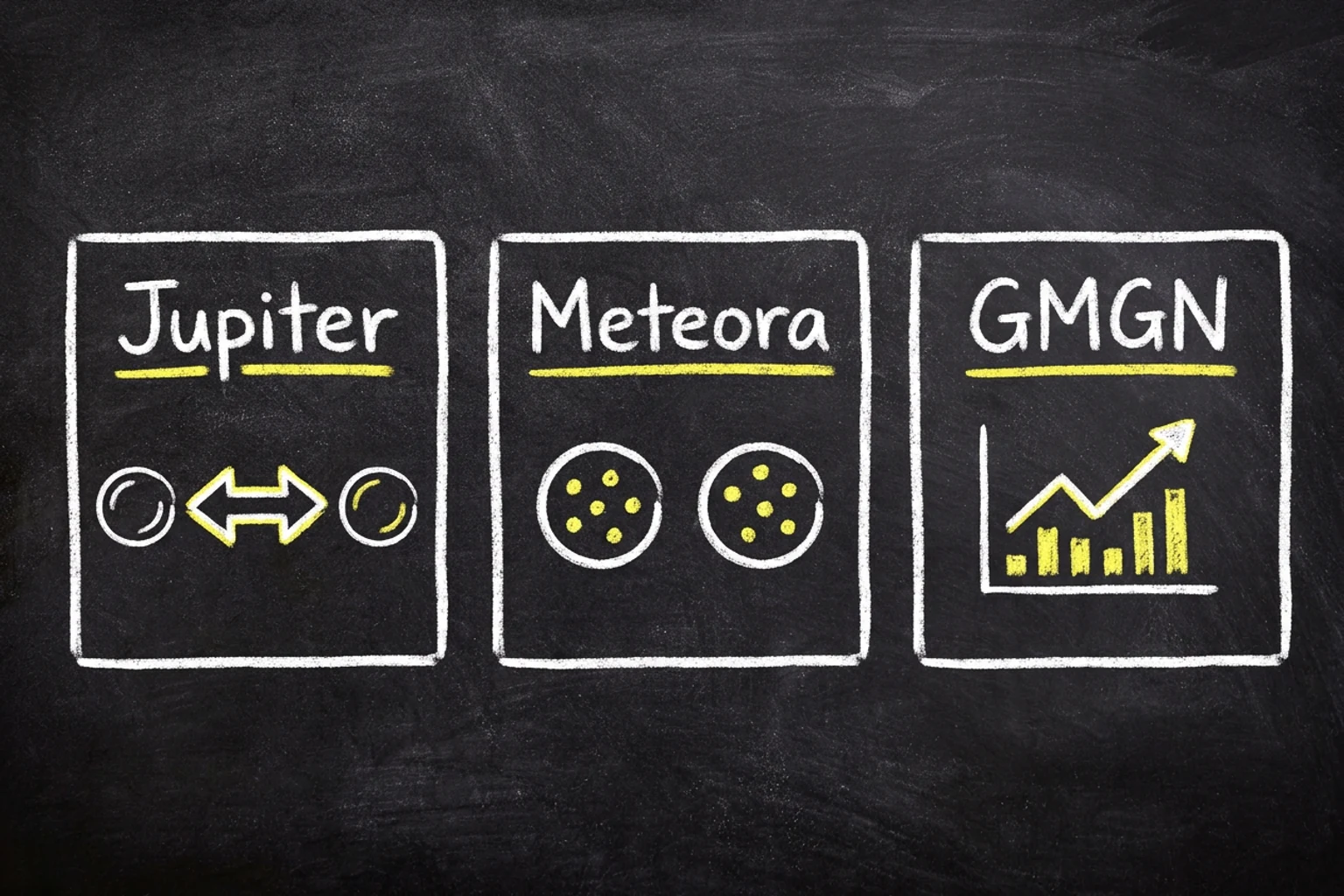
The TMAI-USDC pool is live on Meteora. Most users should use Jupiter because it routes swaps through available Solana liquidity. Advanced users can inspect the pool and chart directly.
Swaps can include slippage, price impact, and fees. Check the transaction details before you approve anything.
Exchange-Held TMAI
Exchange users: this claim flow does not include exchange-held TMAI.
Do not move TMAI from an exchange just to use this claim portal. The portal checks Base wallets only. It cannot read exchange accounts. We will publish separate exchange-held migration instructions as a follow-up.
This post is for self-custody Base wallets that can connect and sign in the migration portal. Exchange accounts are different because the portal cannot see an exchange user’s internal balance or sub-account history.
If your TMAI was held on an exchange, wait for the separate exchange-held migration instructions. Do not send exchange-held TMAI to a wallet just to try this checker.
Official Addresses
- Solana TMAI mint:
JBH3sZw1MFHunc4ifgLFkUKGecDpB1FwSXkEo8PnCD4Z - Meteora pool:
5Lzna79ZByGbB8MCwx5pRY7KDVNwm9VZ3iKFwg8tCjHH - Migration portal: https://tokenmetrics.com/migration/#check-eligibility
Need Help?
Start with the portal result and the transaction link shown after claim. If you still need help, contact support through the official Token Metrics channels only.