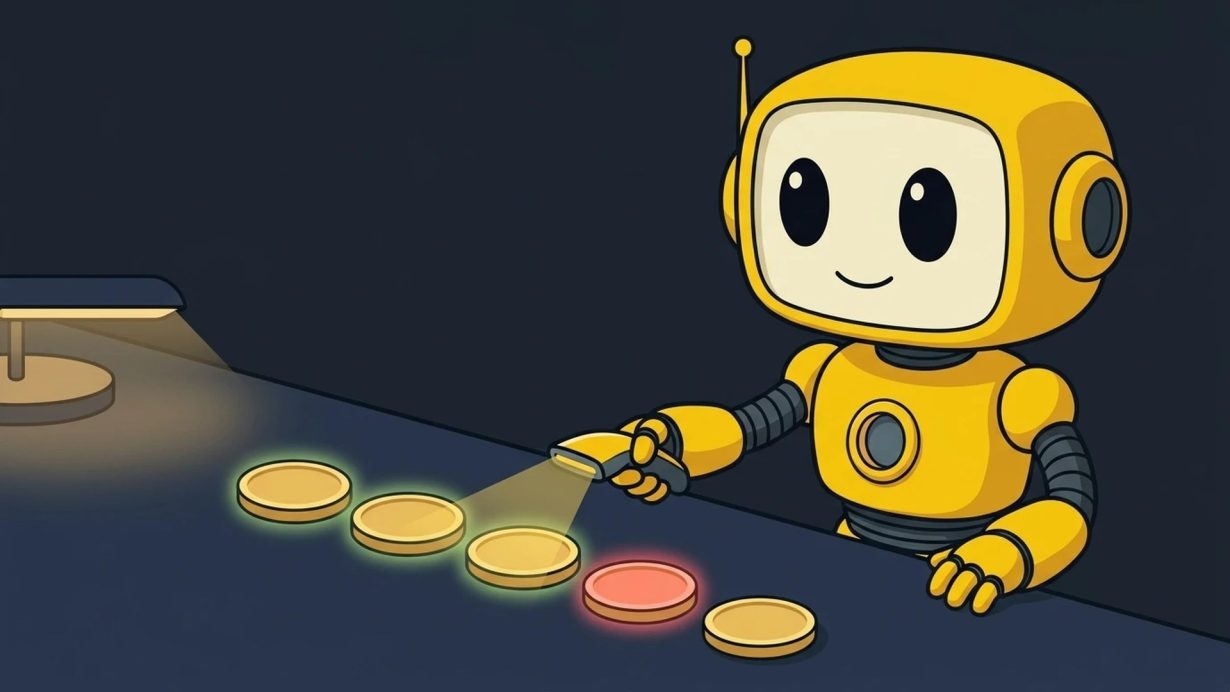

A token scanner is a tool, often free, that reads a crypto token’s contract and on-chain data, then flags known risks. Think code that blocks you from selling, an owner who can print more supply, or liquidity the creator can pull out. You paste in a contract address and usually get a report within a minute or two. It catches the most common traps. It cannot tell you whether a token is a good buy, and a clean scan is not a safety promise.
This guide covers what a token scanner checks and how to read the results. It also lists free tools, explains what scanners miss, and ends with a 7-step check to run before you buy.
Table of Contents
What is a token scanner?
A token scanner looks at a token’s code and on-chain activity to spot risk factors and suspicious behavior. A rug checker is a close cousin that focuses on rug pull patterns (QuickNode). Most work the same way. You paste the token’s contract address. The tool reads what the contract allows, who controls it, where the liquidity sits, and how the supply is spread across wallets. Then it shows flags or a score.
Most new tokens fail fast. Solidus Labs, the firm behind Token Sniffer, studied more than 7 million Pump.fun tokens with at least five trades, launched from January 2024 to March 2025. Only about 97,000 of them still had more than $1,000 of liquidity when the 2025 report came out (Solidus Labs). Pump.fun disputed the report’s framing (CoinDesk). Either way, the data says most new tokens on that platform did not last. A quick scan is a cheap first filter.
Two scams come up again and again. A honeypot lets you buy but hides code that stops you from selling. A rug pull is when the team walks away with buyers’ money. In a hard rug, they drain liquidity through a backdoor. In a soft rug, they slowly sell and go quiet (GeckoTerminal).
What does a token scanner check?
A token scanner checks what the contract lets its owner do and whether you can get out. The table covers the checks you will see most often.
| Check | What it means | Why it matters |
|---|---|---|
| Honeypot or sell test | The tool simulates a buy and a sell | If the sell fails, you may never get out (Honeypot.is) |
| Buy and sell tax | A fee the contract takes on each trade | Honeypots often hide sell taxes of 90% to 100% |
| Mint authority | A wallet that can create new tokens | New supply can dilute what you hold (Solana docs) |
| Freeze authority (Solana) | A wallet that can freeze token accounts | Frozen tokens cannot be moved, so you cannot sell |
| Owner powers | Functions to blacklist wallets, pause trading, or change taxes | One wallet can change the rules after you buy |
| Proxy or upgradeable code | The code can be swapped after launch | A clean contract today can turn bad later |
| Liquidity lock | Whether pool liquidity is locked or burned, and until when | Unlocked liquidity can be pulled by the creator |
| Holder spread | How much the top wallets and the creator hold | A few big wallets can dump on everyone else |
GeckoTerminal’s rug checker lists most of these signals, from honeypot risk and sell tax to liquidity locks and holder spread (GeckoTerminal). On Solana, the mint authority and freeze authority are stored right on the token’s mint account. If no mint authority is set, the supply is fixed (Solana docs).
How to read token scanner results
Treat red flags as a stop sign and yellow flags as questions. GeckoTerminal gives a clear example. A “High Sell Tax” warning is a concern. “Unable to Sell” is an immediate red flag for a honeypot (GeckoTerminal).
A flag tells you what the code allows. It does not tell you what the team plans to do. So for every power the scan finds, ask two questions. Who holds it? And is there a good reason for it? A mint power with no public reason behind it is a bigger worry than one the project explains in its docs.
Scores are each tool’s own formula, so two scanners can grade the same token differently. Run at least two that cover the token’s chain. If they disagree, read the specific flags rather than the headline number. Automated tools can also mislabel brand-new or unusual contracts in both directions (QuickNode).
Popular token scanners and the chains they cover
These are widely used token scanner tools. Each runs checks from a public page on its website. The descriptions come from each tool’s own page, checked on Oct 19, 2026. This is a reference list, not an endorsement, and none of the links are affiliate links.
| Tool | What it does | Chains |
|---|---|---|
| Token Sniffer | Automated scam detection, contract checks, and risk analysis. Run by Solidus Labs | Ethereum and BNB Chain, per 1inch (1inch) |
| GoPlus Token Security | Token security checks, plus wallet approval and malicious address checks | Main token check, plus separate Solana and Sui checks |
| De.Fi Scanner | Contract scan with a honeypot report and a governance tab that lists admin powers | 14 EVM chains listed, plus Solana tokens |
| Honeypot.is | Simulates a buy and a sell to test for a honeypot | BNB Chain, Ethereum, Base |
| RugCheck | Token risk reports for Solana tokens | Solana, Fogo |
| GeckoTerminal Rug Checker | Its own security score plus third-party scans from GoPlus and De.Fi | 250+ chains |
Which token scanner should you use?
Pick a token scanner by chain first. There is no single best token scanner, only ones that support the token you are checking.
- Solana tokens: RugCheck, plus GoPlus or De.Fi for a second opinion.
- Ethereum, BNB Chain, or Base tokens: Token Sniffer or De.Fi for the contract, plus Honeypot.is for a sell test.
- Other chains: GeckoTerminal’s rug checker, since it lists support for more than 250 chains.
To read raw contract data yourself, our BscScan guide walks through a block explorer step by step.
Finding new tokens is the easy part. Checking them is the work. Trending token signals in the Token Metrics app show new tokens the traders we track are buying. You start from a short list instead of a random feed. Then run each one through the checks below. See Trending token signals
What a token scanner can’t catch
A token scanner reads code and on-chain data. It cannot read intentions, and it only sees the token as it is right now. These gaps come up most:
- Soft rug pulls. A team can hype a token, then slowly sell its holdings and abandon the project. No line of code is broken, so nothing gets flagged (GeckoTerminal).
- Changes after the scan. Upgradeable contracts can be swapped for new code, and short liquidity locks can expire. Honeypot.is says it plainly: “Just because it’s not a honeypot now, does not mean it won’t change!” (Honeypot.is).
- Staged trading. Some scammers let a few chosen wallets sell, so the chart looks normal while everyone else is blocked (1inch).
- Fake copies. A scanner checks the address you give it. Scammers create fake coins and tokens with slick websites and ads to trick buyers (FTC). If you paste the wrong address, you scan the wrong token.
- Wallet attacks. Phishing sites and risky token approvals drain wallets no matter how clean the token is. Our wallet safety checklist covers approvals and seed phrases.
Audits have limits too. Hacken says hackers stole $1.18 billion in the third quarter of 2026. About 77% of those losses came from areas the last audit did not cover, such as suppliers and missed fixes (Token Metrics coverage). An audit badge or a clean scan is a starting point, not proof of safety. The tools say so themselves. GoPlus notes there is “no 100% guarantee” (GoPlus).
How to check if a crypto token is safe in 7 steps
Get the right address, scan it twice, prove you can sell, then check who holds power, liquidity, and supply. It takes a few minutes per token.
- Get the contract address from an official source. Use the project’s own site or docs, not a reply, a DM, or a search ad. Search the token name plus “scam” or “review” too, as the FTC suggests (FTC).
- Run two scanners that cover its chain. For example, RugCheck plus GoPlus for a Solana token, or Token Sniffer plus Honeypot.is for an Ethereum or BNB Chain token.
- Prove you can sell. Check the honeypot test and the sell tax. On a block explorer or chart site, look for real sell transactions from many different wallets. No sells at all is a warning sign (1inch).
- Check who holds power. Look at mint authority, freeze authority, owner functions, and whether the code is upgradeable. Any power held by a single unknown wallet is a reason to slow down.
- Check the liquidity. How deep is the pool? Is the liquidity locked or burned, and when does the lock end? A lock of only a few days protects you for only a few days (1inch).
- Check the holders. See how much the top wallets and the creator hold. Supply spread across many holders is healthier than supply sitting in a few wallets (GeckoTerminal). Our tokenomics guide explains supply and unlocks in more depth.
- Start small and scan again later. Buy only what you can afford to lose and keep wallet approvals tight. Re-run the checks on tokens you hold, since a token’s risk can change after launch (GeckoTerminal).
If a token fails any step, walk away. Plenty of new tokens launch every day, and skipping one costs you nothing. For more on red flags in group chats and social feeds, see how to avoid scams in crypto communities.
Where Token Metrics fits
The Token Metrics app is in early alpha. On Signal plans and up, Trending token signals show new tokens the traders we track are buying. Value token signals show tokens under fundamental and on-chain research, not a rating or a recommendation (app launch post). New signals can reach you as browser alerts and in the paid Telegram and Discord signal channels.
A signal reflects what tracked traders did. It is not a recommendation from Token Metrics, and it is not a safety check. Use it as your starting list, then run every token through the 7 steps above before you put money in. If you want more context on reading early meme coin activity, see social signals vs on-chain data.
See Trending token signals in the Token Metrics app
Token scanner FAQ
Are token scanners free?
Many are. Token Sniffer says it is free to use, and De.Fi offers a free scanner. Some tools sell extra features on top.
Can a token pass a token scanner and still be a scam?
Yes. Scanners catch known code patterns. They miss soft rug pulls, staged trading, and changes made after the scan. Treat a clean result as one check out of several.
What is the difference between a token scanner and an audit?
A scanner is an automated check that runs in a minute or two against known risk patterns. An audit is a code review by an outside security firm at one point in time. Both have blind spots, and neither covers how a team behaves after launch.
What is a honeypot token?
A honeypot is a token you can buy but cannot sell. Hidden code, like a blacklist or a sell tax near 100%, blocks the sale. A sell simulation in a honeypot checker is the fastest way to test for it.
What is the best token scanner for meme coins?
The best token scanner is one that supports the meme coin’s chain. Use two of them and always add a sell test, because a honeypot is a token you can buy but not sell.
Is a token scanner the same as a rug checker?
They overlap. A token scanner looks at risk in general. A rug checker focuses on rug pull patterns, like unlocked liquidity and creator selling. Many tools do both.
Do token scanners work for Solana tokens?
Yes. RugCheck focuses on Solana, and GoPlus and De.Fi also scan Solana tokens. On Solana, look closely at the mint authority and the freeze authority.
Sources
- QuickNode: Top 9 Token Scanners and Rug Checkers
- GeckoTerminal: Rug Checker and FAQ
- Solana Docs: Tokens on Solana
- Honeypot.is: Honeypot Detector
- 1inch Help Center: 6 Tools to Identify a DeFi Scam Token
- GoPlus: Token Security Detection
- De.Fi: Scanner FAQ
- Token Sniffer
- RugCheck
- Solidus Labs: Solana Rug Pulls and Pump-and-Dumps report
- CoinDesk: Pump.fun responds to Solidus Labs report (May 2025)
- FTC: What To Know About Cryptocurrency and Scams
This article is for education only and is not investment, legal, or tax advice. Prepared by Token Metrics Research Team.